
Pro12 Mac Optimization — Faster Mac after updates
Advanced diagnostics and tune-up service across the USA to fix slow Mac behavior after updates, speed up boot, and restore responsiveness.
Why Mac slows after update
System indexing, legacy kernel extensions, and background processes can cause sluggishness after macOS upgrades.

Pro12 targeted fixes
Memory tuning, launch agent cleanup, APFS optimizations, safe-boot diagnostics and nvram/pmreset where needed.
Outcome
Faster app launch, reduced CPU spikes, clearer battery profile, and notably quicker boot times.
Pro12 Diagnostics — stepwise
Service tiers — quick comparison
| Feature | Standard | Pro | Pro12 |
|---|---|---|---|
| Remote session | 1 hr | 2 hrs | 4 hrs |
| Boot diagnostics | Basic | Advanced | Pro12 Deep |
| APFS & Disk repair | Light | Full | Full + Snapshots |
| Follow-up | 1 email | 2 emails | Priority 30-day support |
| Typical target | General slow | Update-related | Persistent slow / complex cases |
Case study — MacBook Pro slowed after update
Client: MacBook Pro 2019 — boot > 3 minutes, apps stalled. Pro12 resolved indexing and launch agents; boot reduced to 35s.

Technical notes
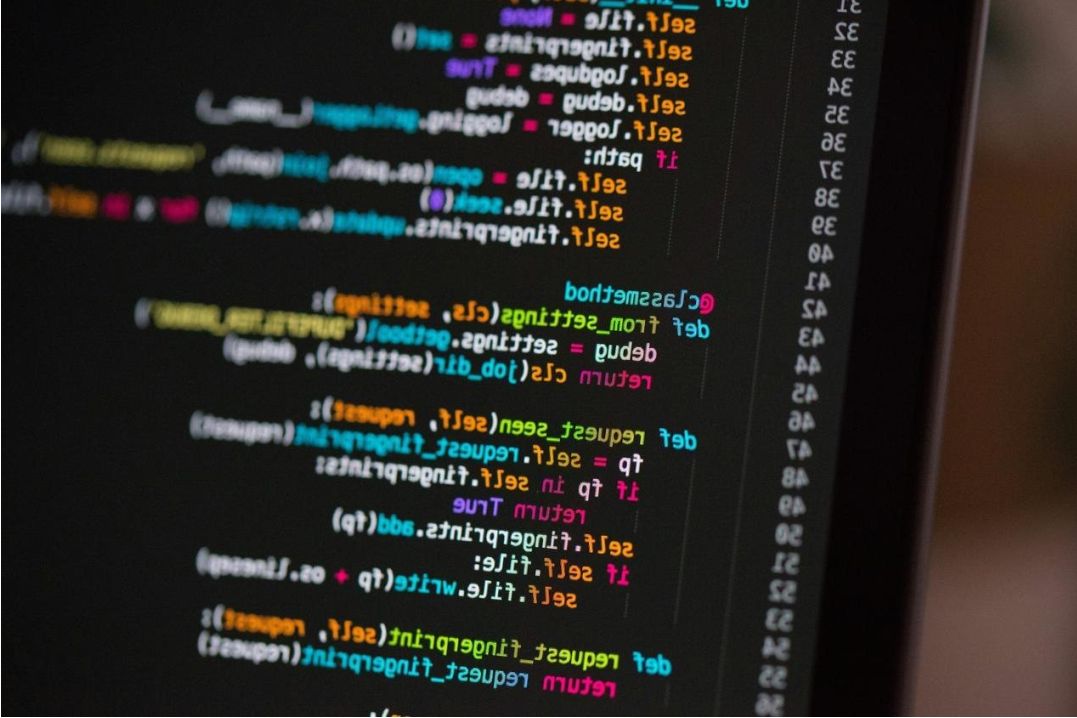
- Removed 12 obsolete launch agents.
- Rebuilt Spotlight index and trimmed Time Machine local snapshots.
- Repaired APFS container and cleaned system caches safely.
What customers say

"My MacBook slowed to a crawl after the last update. Pro12 pinpointed a background process and fixed my boot — it's like new."


Common questions
Ready to speed up your Mac?
If your Mac is slow after an update, choose a plan or request diagnostics. Remote service available across the USA.